 Scandroid
The private document scanner for Android
Scan, save, and share documents — fully offline, no account needed, no permissions required.

Screenshots
See it in action
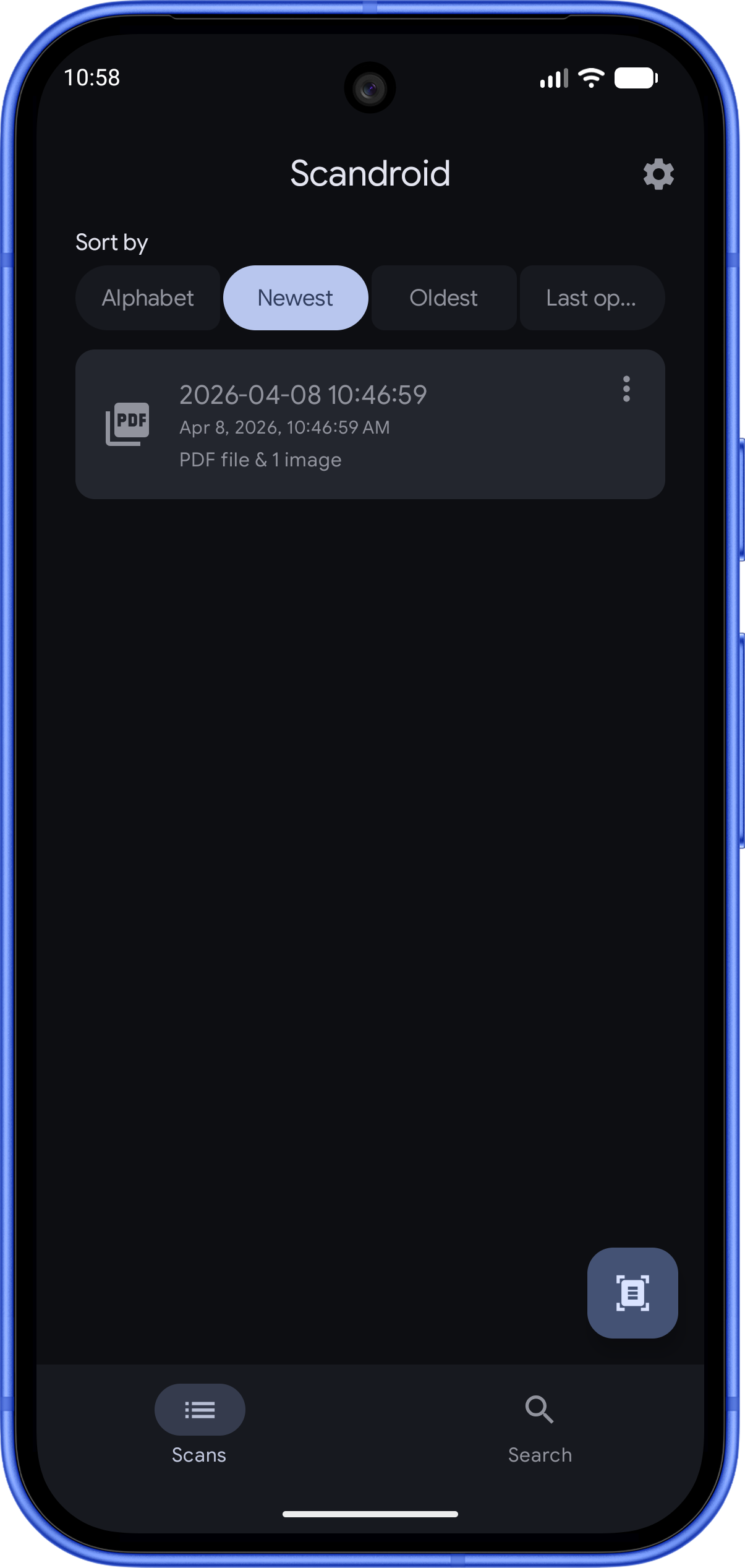
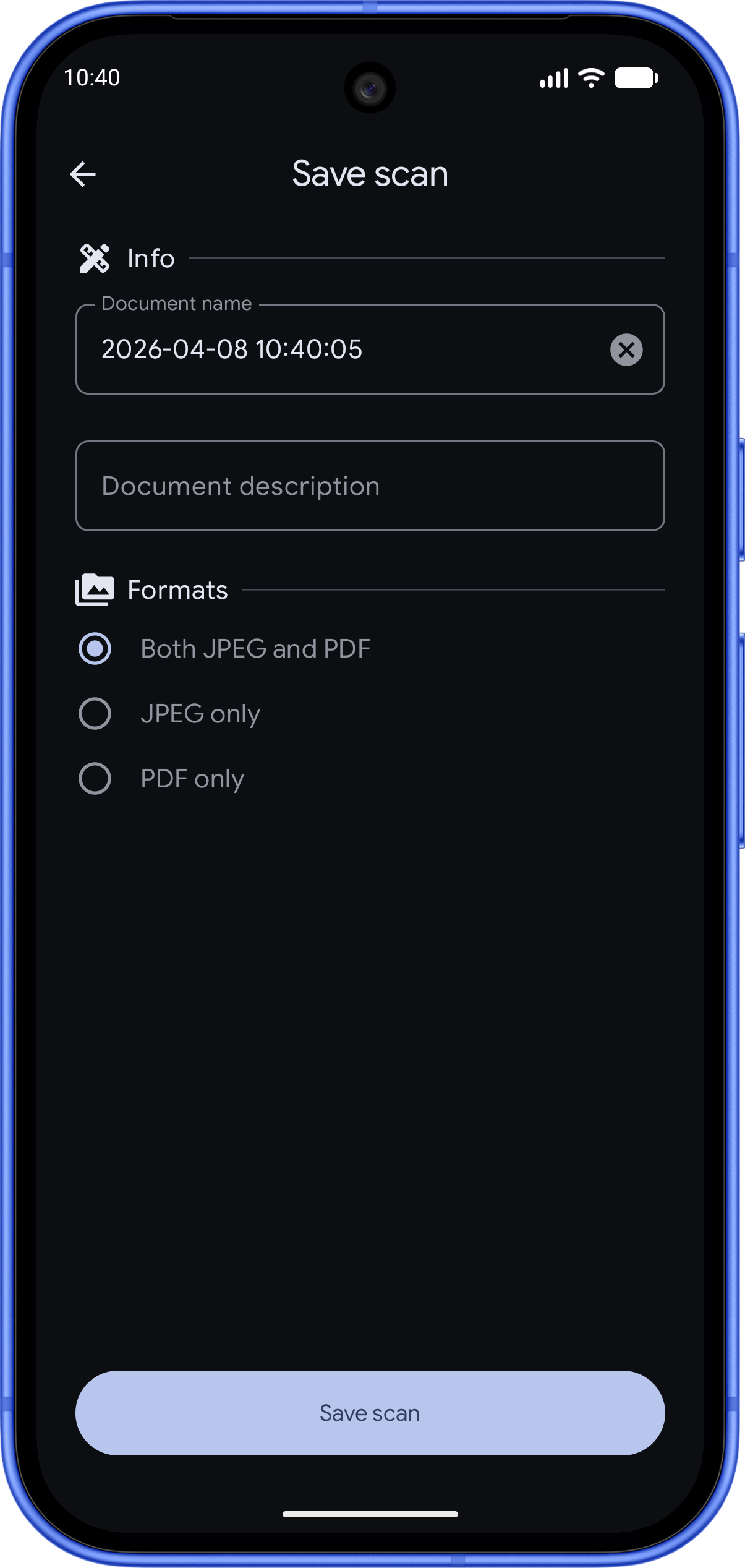
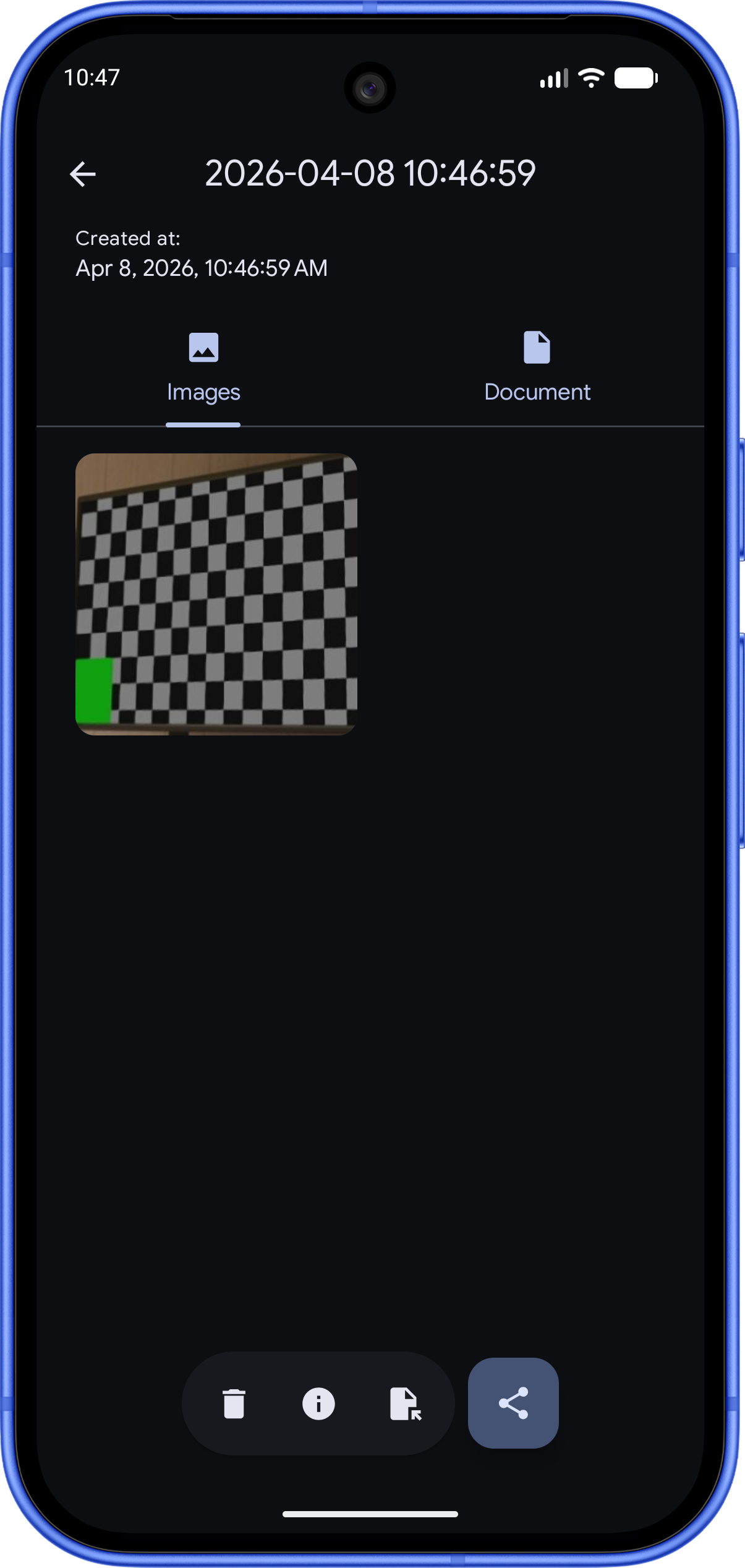
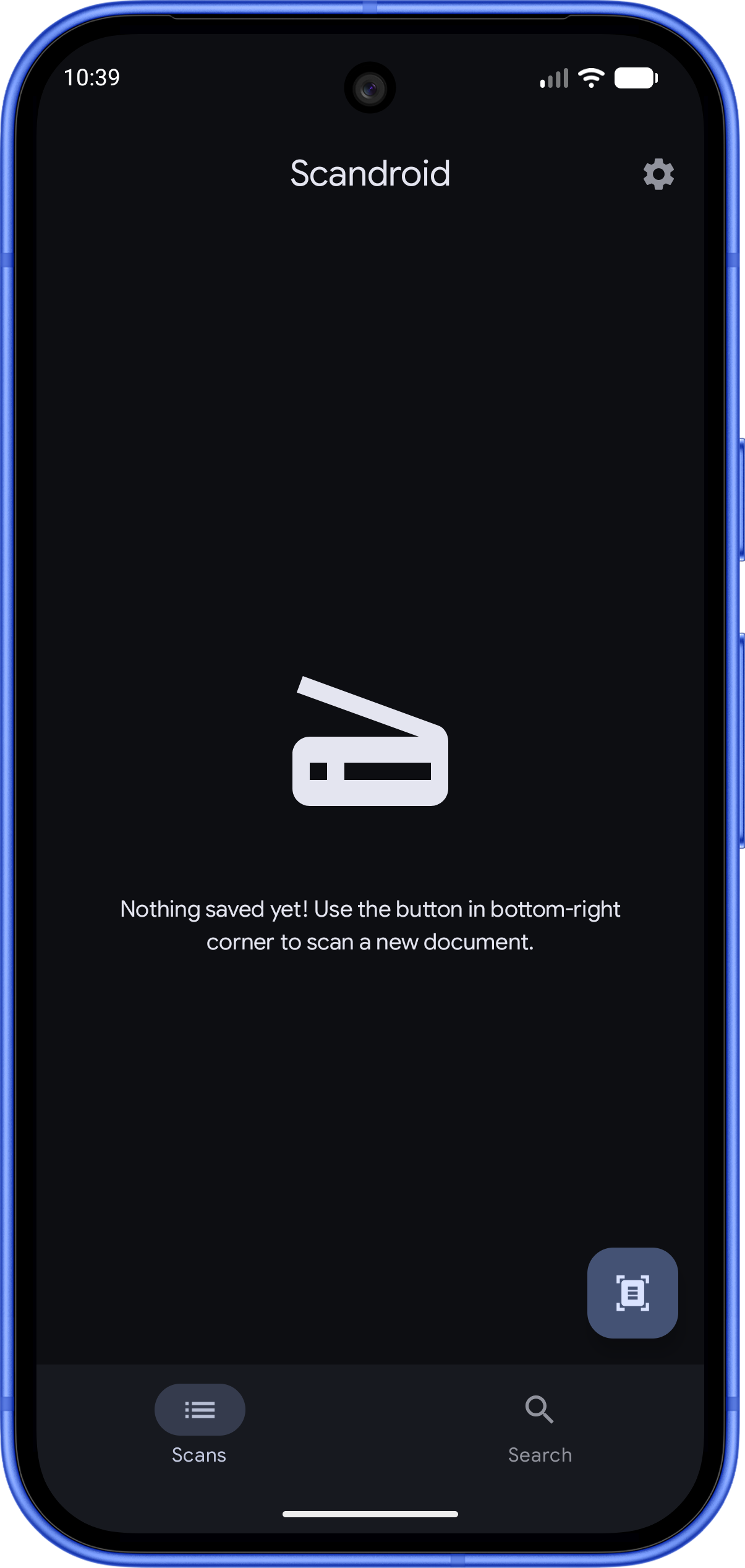
Why Scandroid
Built different — by design
No account required
Install and start scanning immediately. No sign-up, no login, no email — ever.
Fully offline
Scandroid never sends your documents anywhere. All processing happens on-device using Google's ML Kit.
Zero permissions
The scanning is handled by Google Play Services at the system level — Scandroid doesn't need camera or storage access.
Private storage
Scans live in app-specific storage, invisible to other apps. You choose if and when to share anything.
JPEG & PDF export
Save scans as high-quality JPEG images or multi-page PDF documents, ready to share anywhere.
Powerful editing
Crop, rotate, and apply filters to every scan. Import existing photos from your gallery too.
Powered by Google ML Kit
Scandroid uses the Document Scanner API from Google ML Kit — the same engine behind Google Drive's scan feature. It runs entirely on-device, delivering sharp, auto-corrected scans with perspective correction and smart cropping, all without an internet connection.
Ready to scan smarter?
Free to download. No account. Works on any Android device.